$35
30 minutes
Quick Help
A focused phone or virtual session for one frustrating problem.
Choose this help → Click The Help Button
Friendly, one-on-one technology help
Phones, computers, passwords, email, scams and all the little things nobody ever explained.
Clear answers. No judgment. No rush. Just real help.
The Help Menu
You do not need to know the technical name. Tell Ericka what is happening and we will start there.
30 minutes
A focused phone or virtual session for one frustrating problem.
Choose this help →60 minutes
Patient one-on-one guidance by phone or video from wherever you are.
Choose this help →60 minutes
Personal help in your own environment within the Yakima area.
Choose this help →Setup, personalization and guided practice with a new phone, tablet or computer.
Choose this help →A calm scam, privacy and account-safety check with practical next steps.
Choose this help →How It Works
Getting technology help should be as simple as ordering what you need.
No technical vocabulary required.
In your home, by phone or online.
Leave with an answer and more confidence.
Local Technology Help in Yakima
The Help Button serves adults, older adults, families and small businesses in Yakima, Washington, with in-home appointments and convenient phone or virtual help.
Get help setting up a phone or computer, organizing email and photos, recovering access to an account, learning video calls, checking suspicious messages, improving online safety and handling the everyday technology problems that interrupt your day.
Explore Yakima Technology Help
Meet Ericka—the person behind The Help Button
Before starting The Help Button, I spent more than 15 years in customer service, executive support and problem-solving roles—often becoming the person people called when technology wasn’t working or a complicated process needed to make sense.
During two years in remote customer support with Verizon Wireless, I helped dozens of customers every day resolve frustrating and complex issues by phone and online. I’ve also supported senior executives, improved workplace systems and worked extensively with Microsoft 365, Google Workspace, online accounts, customer databases and everyday digital tools.
I created The Help Button to offer the kind of technology support everyone deserves: patient, practical and completely judgment-free. I won’t talk over you, rush you or make you feel like you should already know the answer. We’ll solve what’s frustrating you—and I’ll help you feel more confident the next time you use it.
Bring the device, the question or the “I don’t even know what I clicked.” We’ll take it one step at a time.
Ericka Taylor
Owner & Tech Help Specialist
New Client Offer
Friendly help, served at your pace.
Claim the Offer
Help for Someone You Love
When you cannot be there to troubleshoot the phone, recover the password or explain the new device, Ericka can. Give them patient, personal help—and give yourself peace of mind.
For someone you love
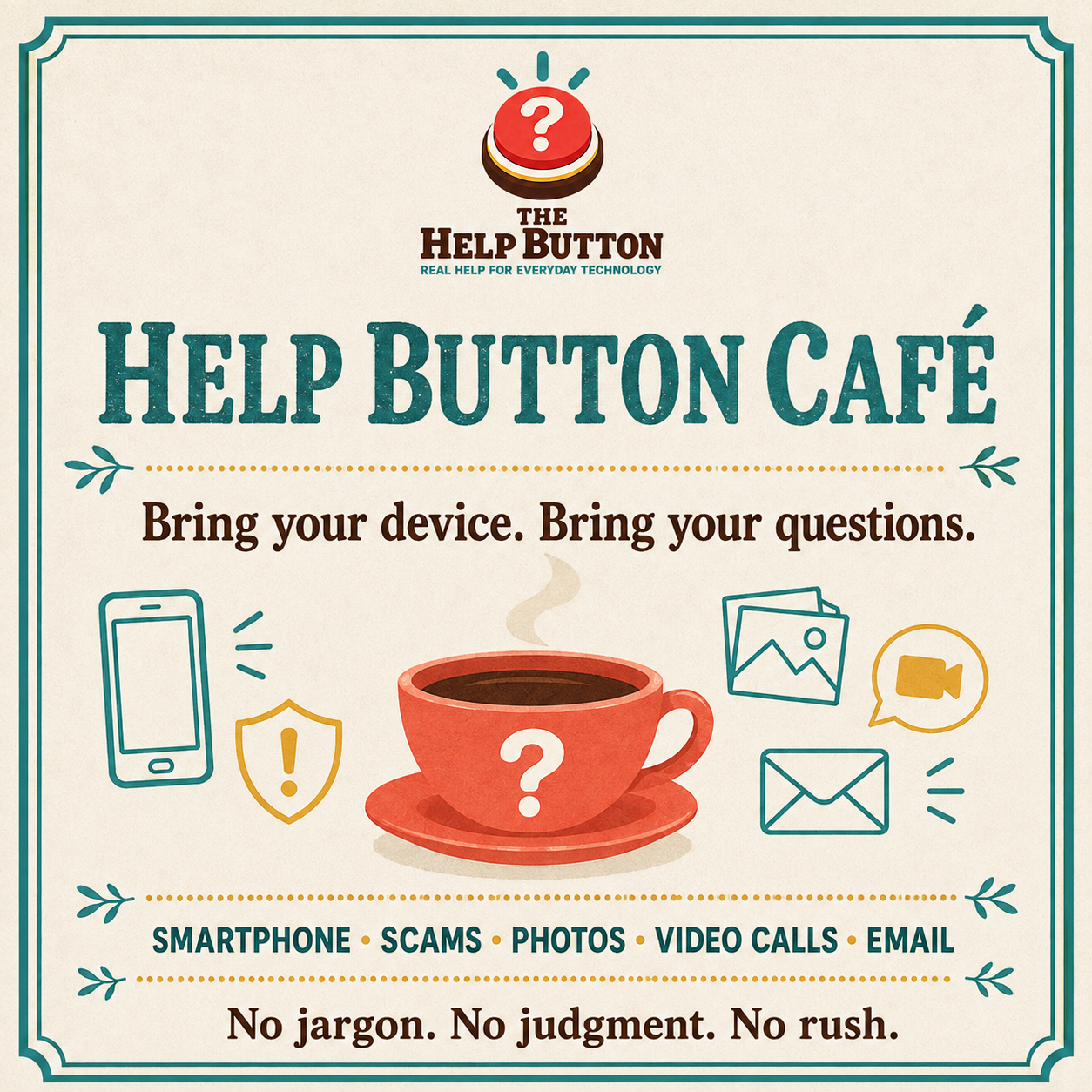
Community Workshops
Relaxed small-group workshops covering smartphones, scams, photos, video calls and email. Bring your device. Bring your questions.
Ask About WorkshopsReady when you are
Tell Ericka what is happening. No tech-speak needed.